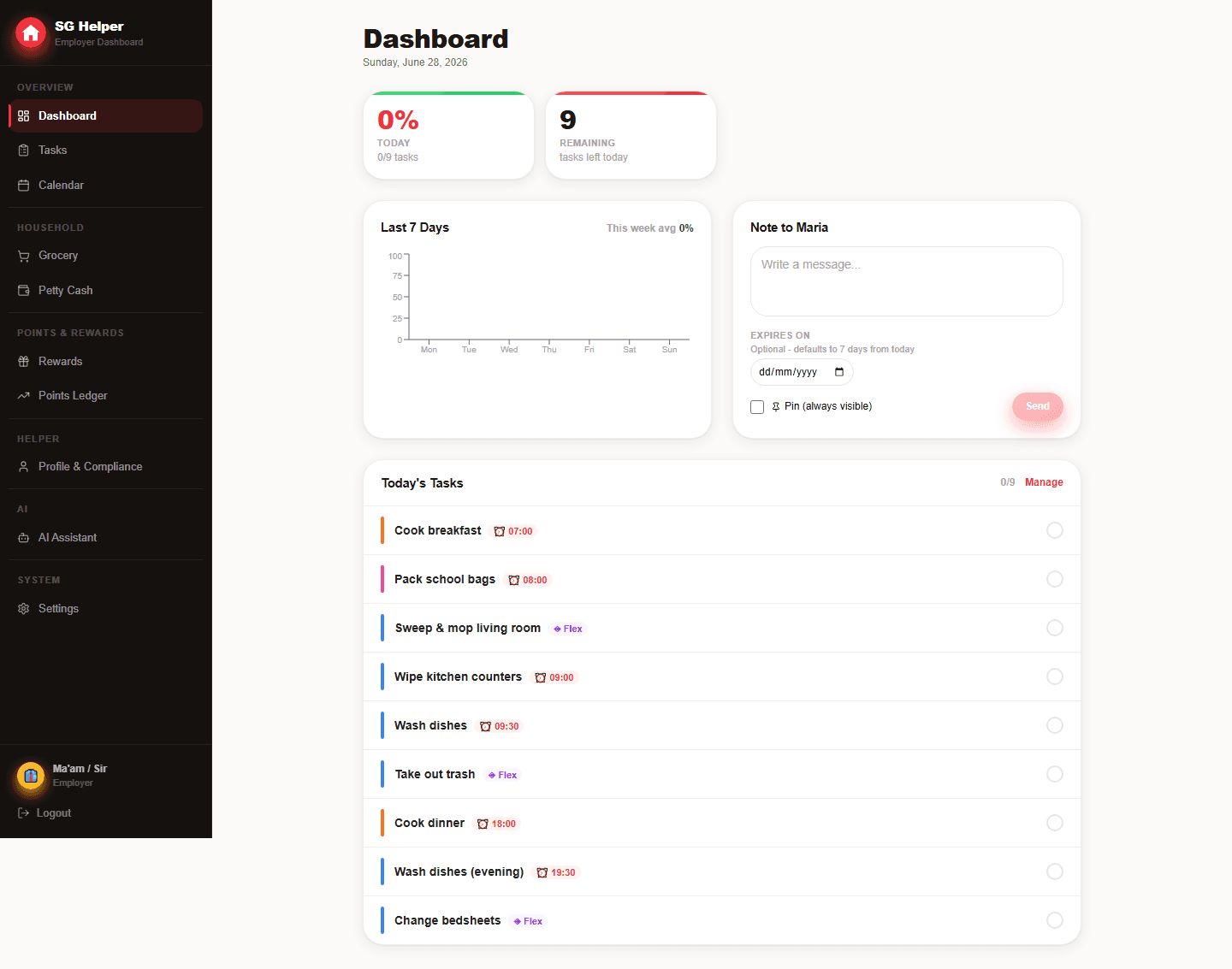
Set up the household operating system in layers
The fastest setup is not to add everything at once. Start with the workflows that create daily confusion, then add records that need a reliable history.
- Day one: add daily tasks, emergency contacts and language preference
- Week one: add weekly chores, grocery categories and household notes
- Month one: add salary records, petty cash review and compliance reminders
- Optional: enable rewards only after the baseline routine is understood
Keep each role focused on the right decisions
Employer screens are built for planning and review. Helper screens are built for quick mobile completion, fewer words and less admin noise.
- Employers manage tasks, calendar, grocery, petty cash, rewards and settings
- Helpers see today's checklist, points, grocery items, calendar and emergency info
- AI suggestions stay employer-approved before any task, note or grocery write happens
A realistic first 30 minutes of setup
A useful household system should be usable the same day it is created. Add only the details needed to run tomorrow smoothly, then refine after a week of real use.
- Create the employer and helper logins, then confirm both can open the PWA
- Add 8 to 12 common daily tasks before adding weekly deep-cleaning
- Save emergency contacts and helper profile basics before finance records
- Turn on optional features only when the household is ready to use them
What to review each week
Weekly review keeps the app useful without making it feel heavy. The employer can look for unclear tasks, repeated cash entries and upcoming records that need attention.
- Check which tasks were skipped because timing or wording was unclear
- Move repeated grocery purchases into a better shared list
- Review petty cash entries while they are still easy to remember
- Look ahead for calendar, payday or permit-related reminders
Frequently asked questions
What should I add first after creating a household?
Start with recurring daily tasks, emergency contacts and the helper's preferred language. Those three areas make the app useful immediately without turning setup into a long admin project.
Can SG Helper replace WhatsApp reminders?
It should replace repeated operational reminders, not every conversation. Use SG Helper for tasks, records and notes that need a clear history, then keep personal communication in chat.
Is SG Helper built specifically for Singapore households?
Yes. SG Helper is designed around Singapore domestic-helper workflows, including MOM deadline reminders, work-permit tracking, salary records, petty cash, grocery lists, and multilingual helper access.
Does my helper need to install an app?
No. SG Helper works as a web PWA on mobile and desktop, so employers and helpers can use it from a browser and add it to the home screen when useful.