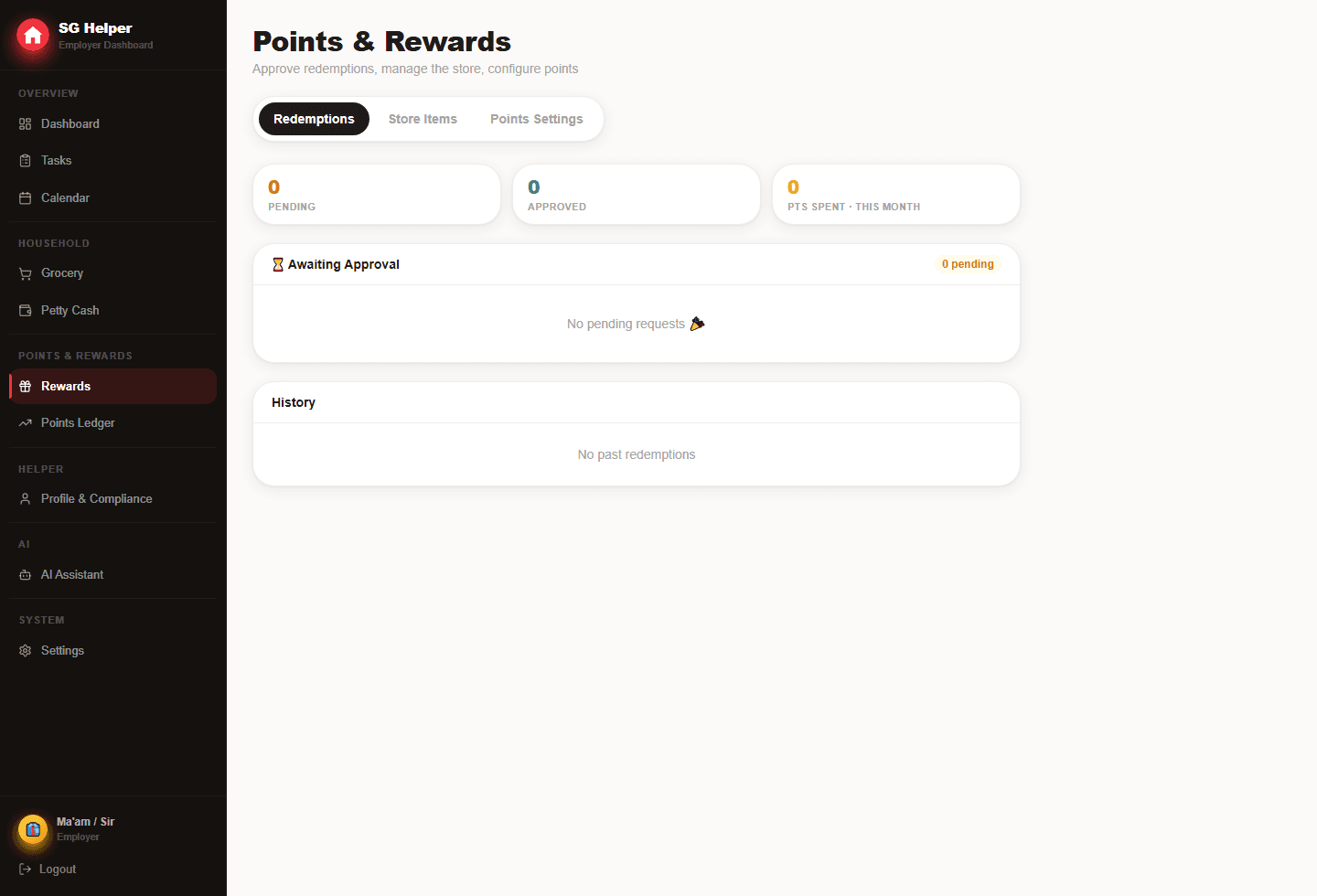
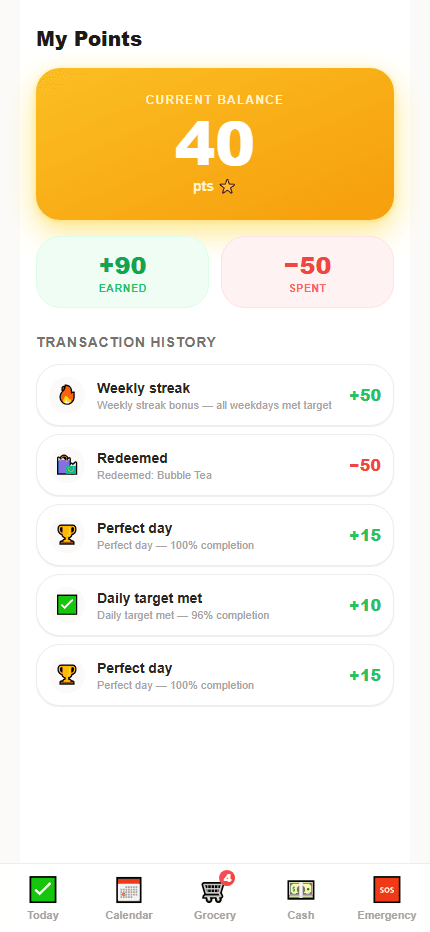
Make rewards feel earned, not pressured
Rewards work best after the helper already understands the normal routine. Points should recognise consistency and effort, not replace respectful communication.
- Award points automatically only after daily thresholds are met
- Use perfect-day and weekly-streak bonuses for consistency
- Use manual bonus points for unusual busy days or extra help
Choose rewards you can fulfil reliably
The best rewards are simple, respectful and easy to fulfil. They do not need to be expensive to feel meaningful, but they should be clear.
- A meal choice, small gift or preferred snack
- Extra phone time or a schedule perk where appropriate
- A clearly priced reward store so helpers know what points can redeem
How to set point thresholds
Points should reward a normal day done well. Set thresholds after you understand the daily checklist, then adjust if the target is clearly too easy or too hard.
- Start with a daily completion threshold below 100% for realistic busy days
- Use perfect-day bonuses for exceptional consistency
- Keep weekly streak bonuses meaningful but not essential
- Pause or revise points if they start creating pressure instead of clarity
Reward store examples
A reward store is easiest to use when the options are specific. Avoid vague promises and pick rewards the employer is happy to approve.
- Small snack or drink choice for a low point cost
- Meal choice or favourite ingredient for a medium point cost
- Small cash-value gift or household-approved perk for higher points
- Manual bonus points for unusually busy events, guests or extra help
Frequently asked questions
Are points enabled by default?
No. Points are controlled by the employer in settings. That makes it possible to start with a normal checklist and introduce rewards later.
What makes a reward fair?
A fair reward has a clear point cost, is realistic for the employer to fulfil, and recognises positive routines without adding pressure or surprise rules.
Is SG Helper built specifically for Singapore households?
Yes. SG Helper is designed around Singapore domestic-helper workflows, including MOM deadline reminders, work-permit tracking, salary records, petty cash, grocery lists, and multilingual helper access.
Does my helper need to install an app?
No. SG Helper works as a web PWA on mobile and desktop, so employers and helpers can use it from a browser and add it to the home screen when useful.