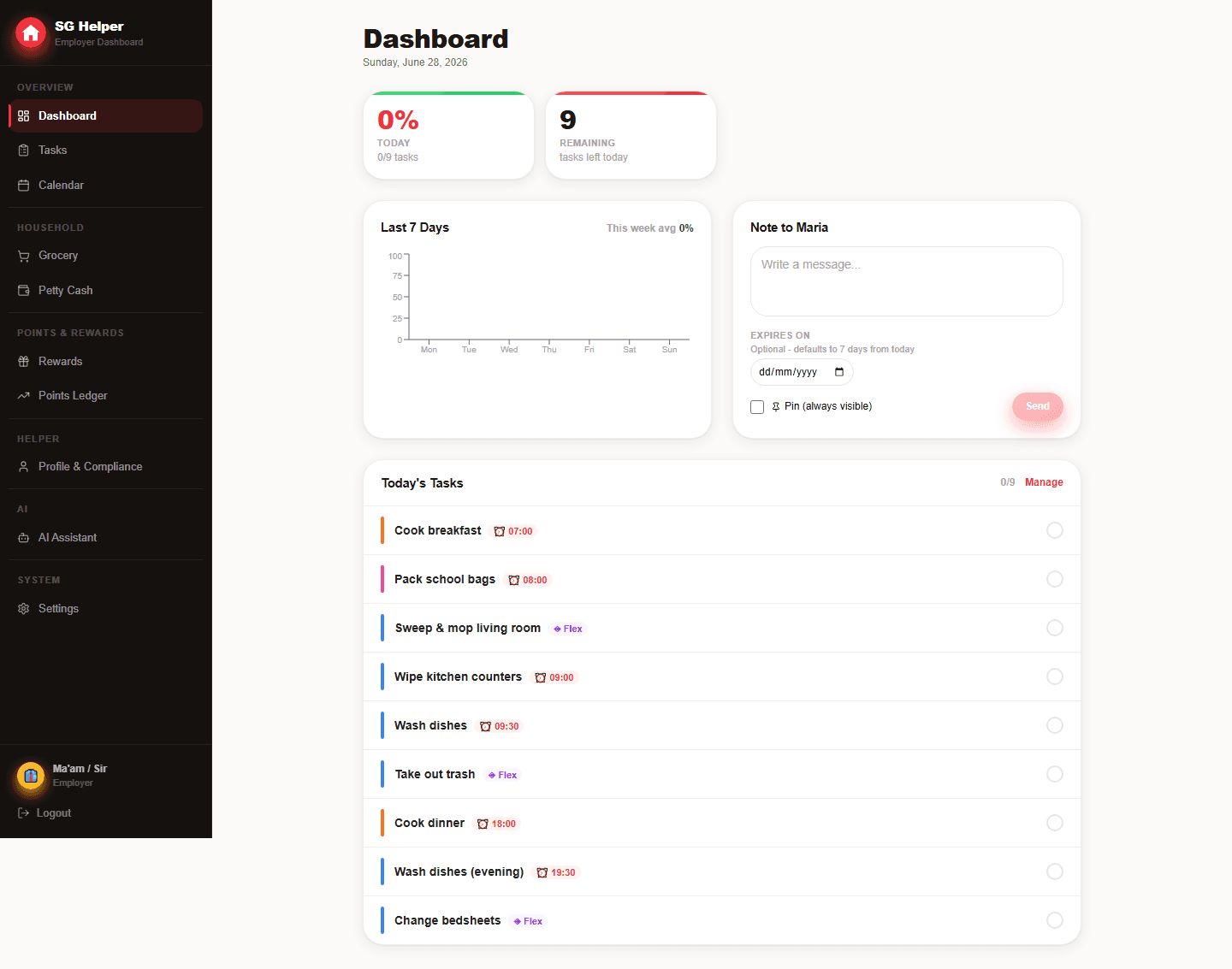
Compare the actual household workflows
The best helper app is the one that reduces repeated admin without adding confusion for the helper. Evaluate the daily workflow, not only the feature list.
- You want employer and helper views in the same product
- You need MOM-related reminders and salary records close to daily operations
- You want a browser-based PWA that works on any device
- You want rewards and AI-assisted planning that still require employer approval
Questions to ask before switching
Before switching tools, check whether the app creates clearer routines and better records without making your helper feel monitored.
- Does it support your helper's preferred language?
- Can you separate daily tasks from compliance and finance records?
- Does it create useful records without adding heavy data entry?
- Can the household start quickly without complicated setup?
Comparison criteria that matter
A helper-management app should reduce repeated admin and improve clarity for both sides. Feature count alone does not show whether the workflow will feel respectful in daily use.
- Role separation: employer planning versus helper daily action
- Singapore fit: MOM reminders, salary records and FDW-related details
- Record quality: searchable history without heavy data entry
- Control: employer approval before automation changes household data
When SG Helper may not be the right fit
SG Helper is built for households that want a shared operating system. It may be more than you need if you only want a simple one-person checklist.
- You only need a private notes app with no helper login
- You do not want to maintain any household records digitally
- You need payroll outsourcing rather than salary-record organisation
- You prefer a native app-store install over a browser-based PWA
Frequently asked questions
What should I compare first between helper apps?
Compare the day-to-day workflow first: task clarity for the helper, admin review for the employer, language support and whether important records stay easy to find.
Why does employer approval matter for AI features?
AI can draft useful task or grocery changes, but household writes should remain under employer control. SG Helper proposes actions first, then waits for approval.
Is SG Helper built specifically for Singapore households?
Yes. SG Helper is designed around Singapore domestic-helper workflows, including MOM deadline reminders, work-permit tracking, salary records, petty cash, grocery lists, and multilingual helper access.
Does my helper need to install an app?
No. SG Helper works as a web PWA on mobile and desktop, so employers and helpers can use it from a browser and add it to the home screen when useful.